// hosting explained
What are PHP workers, and how many does your WordPress site need?
Managed WordPress hosts sell plans by "PHP workers". A PHP worker is one process that can build one uncached page at a time. If all workers are busy, the next request waits in a queue, and that wait is what visitors feel as a slow or timing-out site.
KEY TAKEAWAYS
- Cached pages don't use PHP workers at all; only uncached requests do.
- Carts, checkouts, logged-in users, search and admin-ajax calls are uncached, so stores and memberships need more workers.
- A worker that takes 0.5s per request can serve about 2 requests a second; 5 workers about 10.
- Pressable gives every site 5 dedicated PHP workers (5 vCPUs) with burst capacity and 512MB per worker.
How PHP workers work
When a page isn't in the cache, WordPress runs PHP, queries the database and builds HTML. One worker does that for one request. With 5 workers, 5 uncached requests run at the same time and the 6th waits. A good cache means most visitors never touch a worker, which is why a well-cached blog with 2 workers can serve far more traffic than a store with 8.
A simple capacity estimate
Concurrent uncached requests ≈ uncached requests per second × average PHP time. If your store gets 6 uncached requests a second at 0.6s each, you need about 4 workers busy on average, so 5-6 workers to absorb spikes.
Illustrative: real capacity depends on how fast your plugins and database are.
How many do you need?
| Site | Uncached share | Workers |
|---|---|---|
| Blog, brochure site | Low | 2-4 |
| Busy content site | Low-medium | 4-6 |
| WooCommerce store | High (cart, checkout) | 5-8+ |
| Membership / LMS | Very high (logged-in) | 8+ |
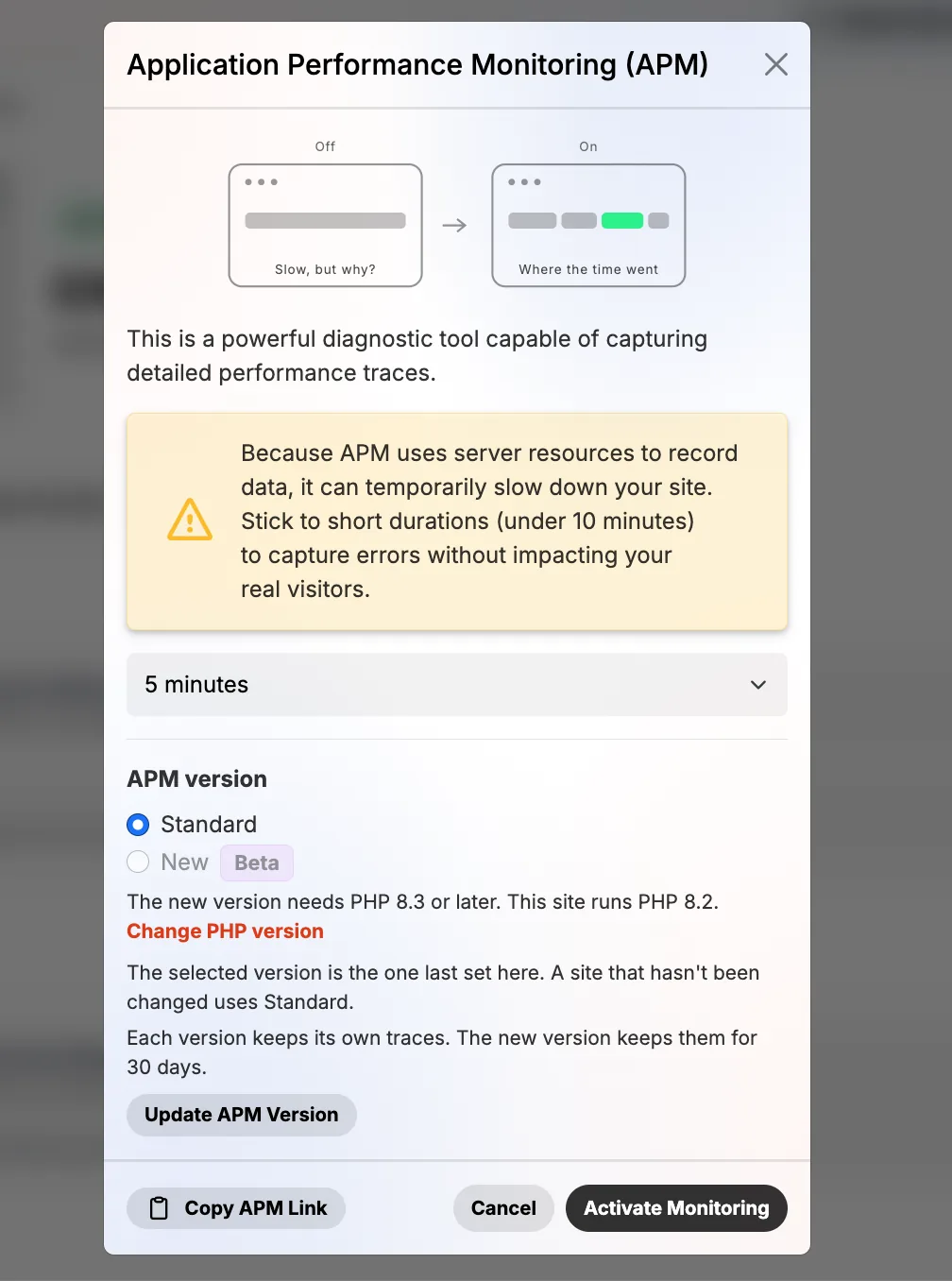
Before buying more workers, fix the cause: slow plugins and uncached URLs. Pressable's PHP requests chart and APM show where time goes.
FAQ
Do more PHP workers make my site faster?
Only if requests are queuing. If pages are slow because of slow code, more workers won't help; fixing the code or caching will.