// add-on check · November 2026
Do you need SiteLock security on Bluehost or HostGator? What it costs and the free alternatives
Security add-ons are the most common upsell at checkout. For most small WordPress sites, the free tools already included, plus good habits, do the job. Here's when paying makes sense.
KEY TAKEAWAYS
- Bluehost lists SiteLock renewals at $7.99/mo (Essential), $19.99/mo (Prevent) and $29.99/mo (Prevent Plus), per its help page updated Oct 22, 2026.
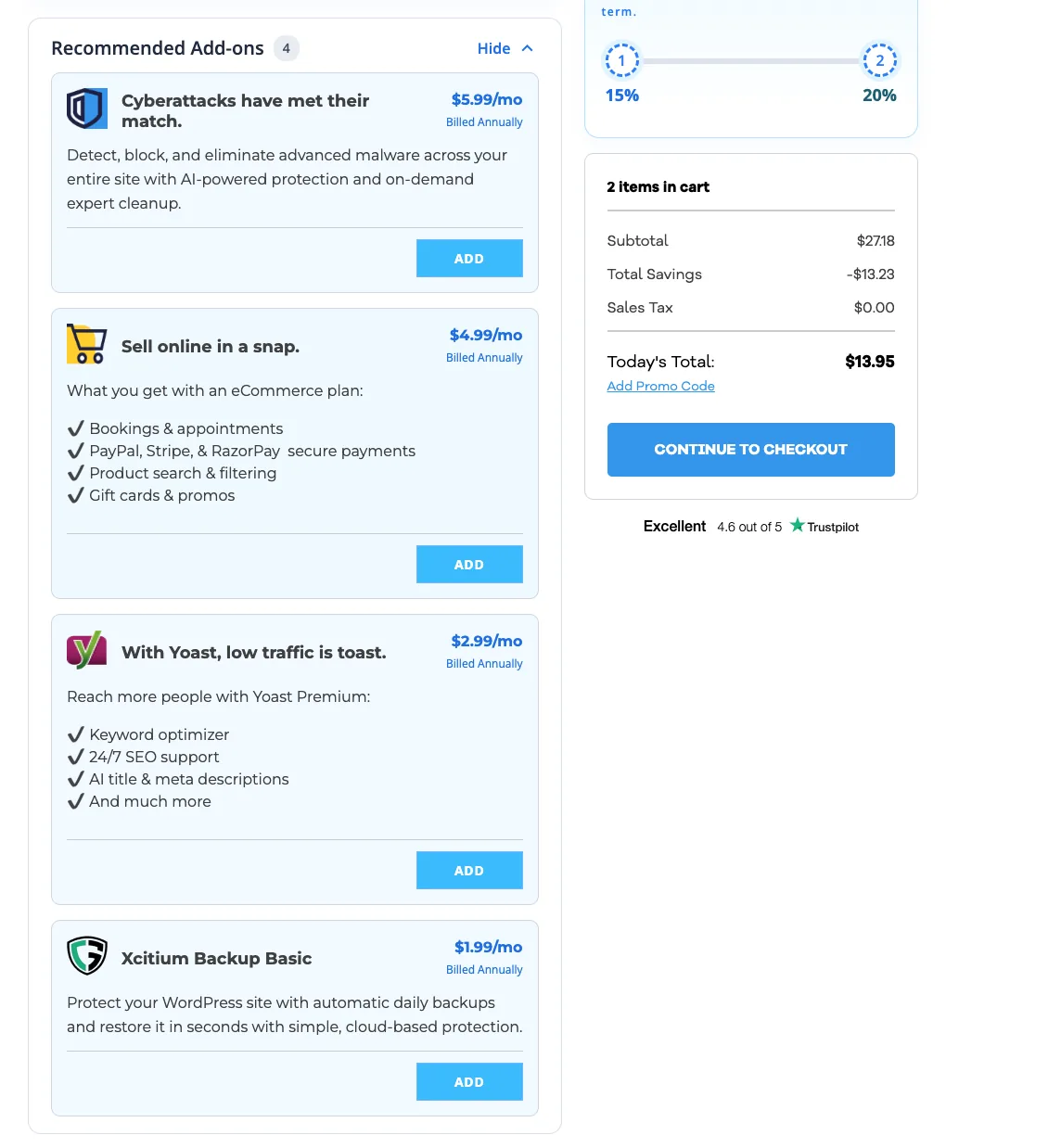
- At checkout in November 2026, Bluehost offered "Website Security" at $5.99/mo billed yearly; HostGator offered malware protection at $5.99/mo.
- Both hosts already include a free malware scan; Bluehost Business and up include malware removal.
- Pay for it if your site was hacked before, takes payments, or you can't maintain updates yourself.
What SiteLock and security add-ons do
SiteLock is a third-party website security service that Bluehost resells. The paid tiers scan your files daily, remove known malware automatically and, on higher tiers, add a web application firewall (WAF) that blocks attacks before they reach WordPress. The add-ons sold in the checkout ("Website Security" at Bluehost, "Malware protection" at HostGator) cover similar ground.
What it costs in 2026
| Add-on | Price | Source |
|---|---|---|
| Bluehost SiteLock Essential | $7.99/mo ($95.88/yr) per domain | Renewal price list |
| Bluehost SiteLock Prevent | $19.99/mo ($239.88/yr) | Renewal price list |
| Bluehost SiteLock Prevent Plus | $29.99/mo ($359.88/yr) | Renewal price list |
| Bluehost "Website Security" at checkout | $5.99/mo, billed $71.88/yr | Our cart, Nov 11, 2026 |
| HostGator Malware protection at checkout | $5.99/mo, billed yearly | Our cart, Nov 11, 2026 |
HostGator's Terms list SiteLock among the add-ons that are never refundable.
What you already get for free
- Bluehost: malware scanning on every plan; malware removal from the Business plan up; free SSL.
- HostGator: a free malware scan, core WordPress file check, IP blocker and automatic WordPress updates on my own account.
- Free tools anyone can add: a security plugin (Wordfence or Solid Security free tiers), Cloudflare's free plan in front of the site, and off-site backups with UpdraftPlus.
Should you buy it?
| Your situation | Paid security? |
|---|---|
| New blog or brochure site, updated regularly | Skip Free scan + a security plugin + backups. |
| Site was hacked before | Buy Automatic cleanup is worth it. |
| Online store or site taking payments | Consider A WAF tier, or a host with one built in. |
| You never log in to update plugins | Consider Or turn on automatic updates first. |
The best security is boring: keep WordPress, themes and plugins updated, delete what you don't use, use strong passwords with 2FA, and keep an off-site backup. On Pressable I watched the host block logins with passwords found in data breaches; that kind of protection now comes built in at better hosts.
SOURCES
Prices and limits change. We note the date we checked each one; confirm on the provider's site before you buy.