// pressable how-to guides
Pressable staging vs sandbox vs DupliKit: which to use, and how
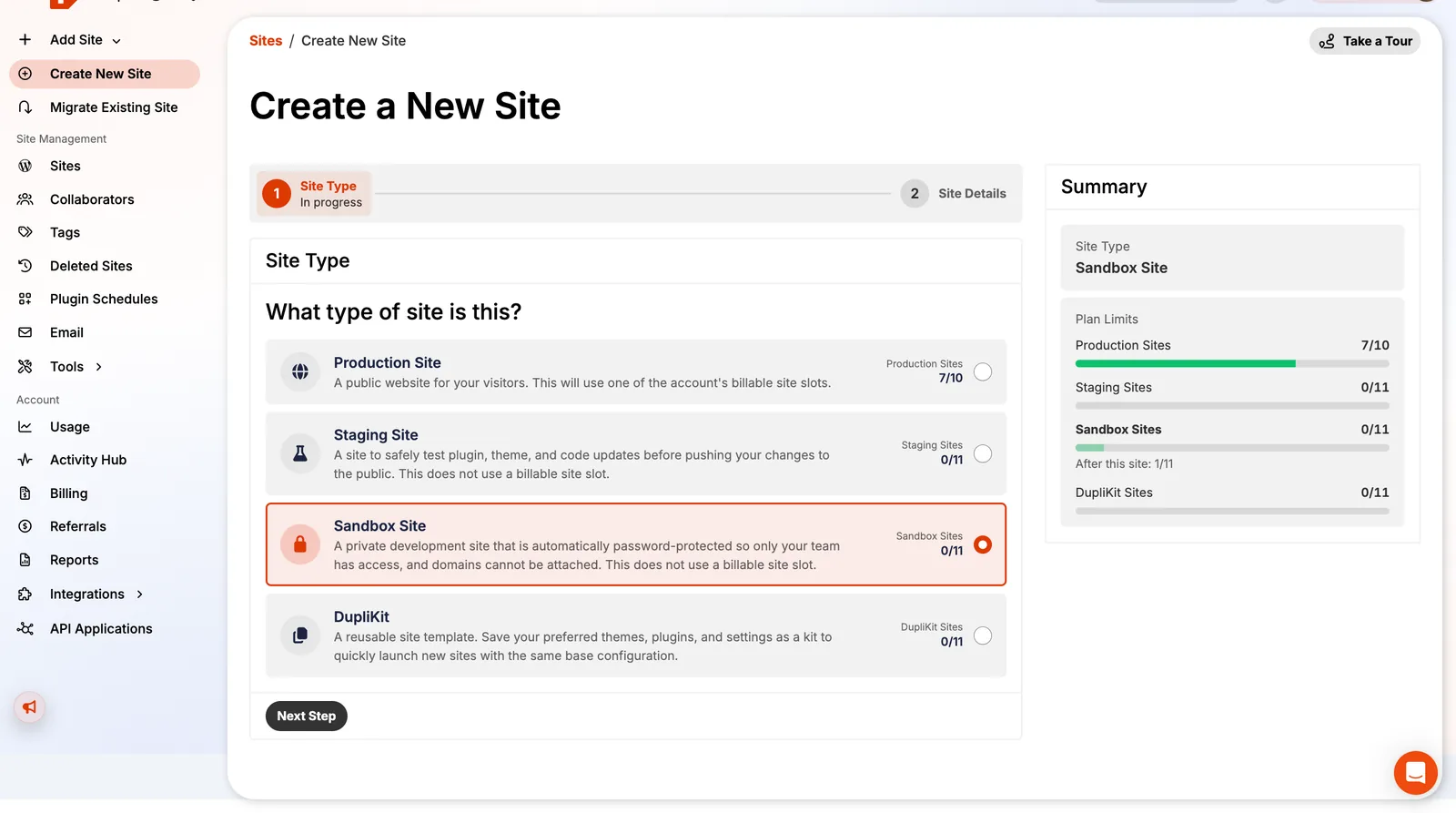
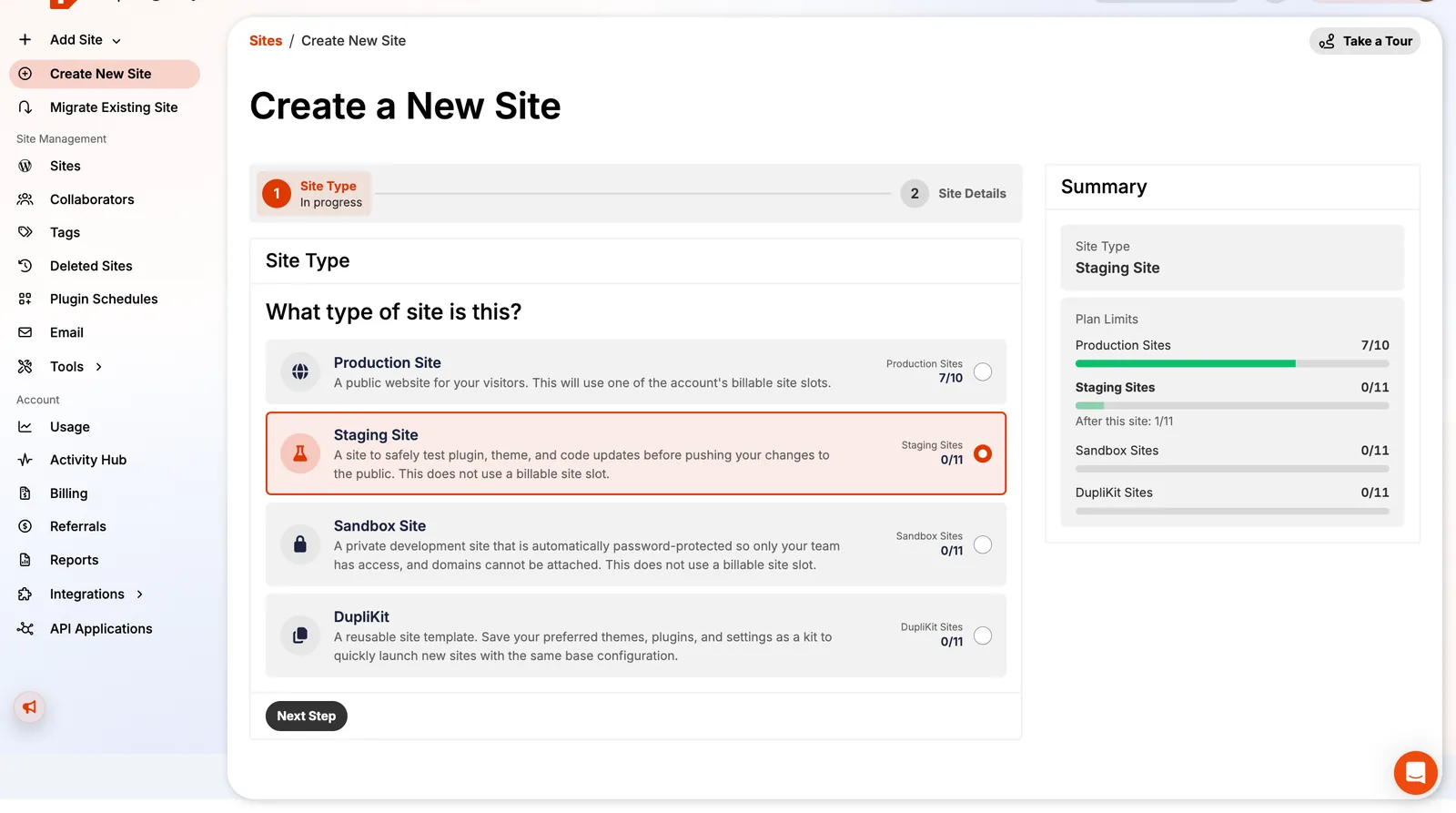
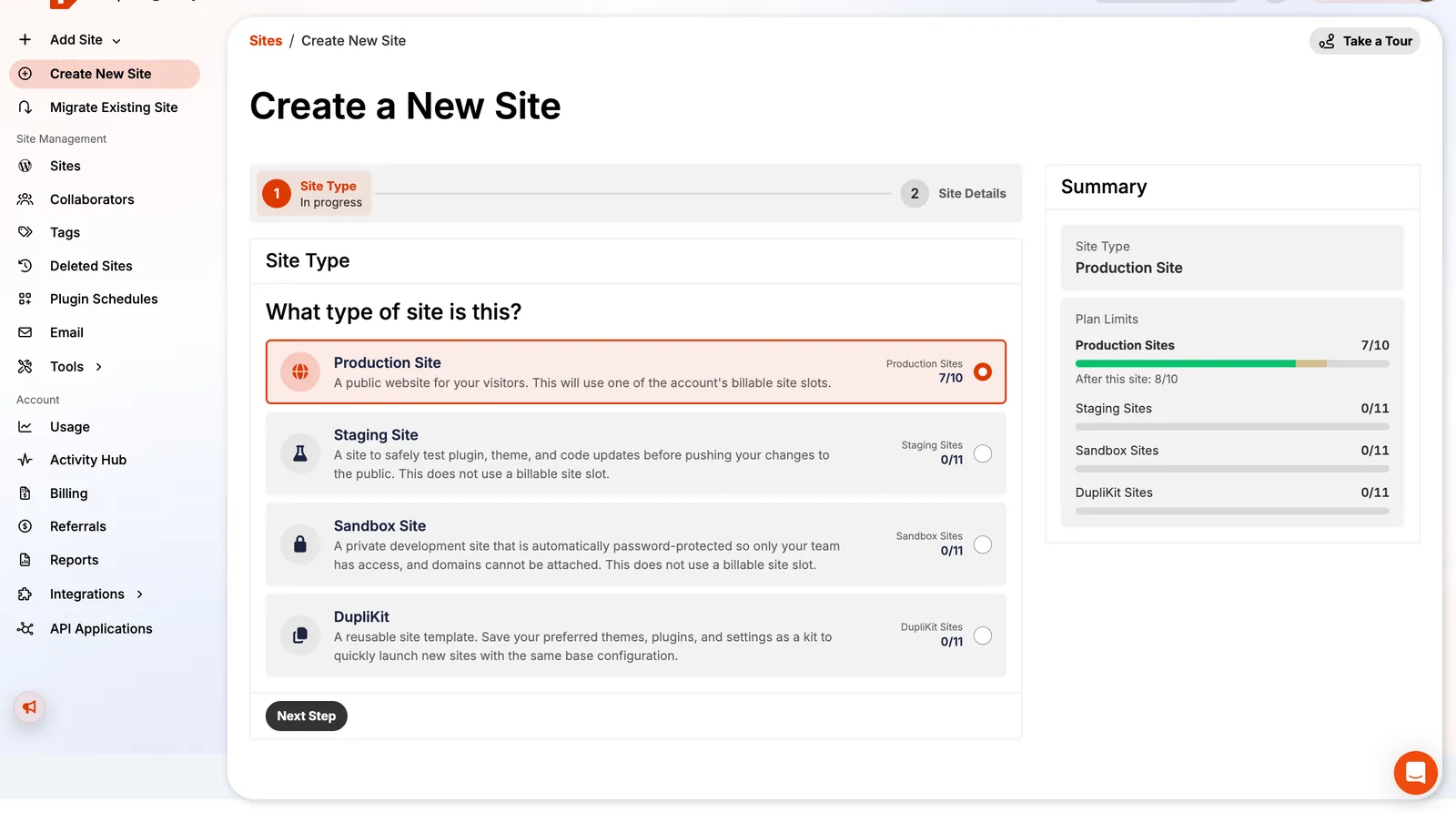
Pressable gives every plan extra environments that don't use up your WordPress install limit. On my 10-install plan, that's 11 staging, 11 sandbox and 11 DupliKit sites on top.
KEY TAKEAWAYS
- Production: the live site, counts against your install limit.
- Staging: a copy for testing changes before they go live.
- Sandbox: a private site with no custom domain, for experiments.
- DupliKit: a reusable template for spinning up new sites with your plugins and settings.
- Clone, Change Environment and Data Transfer move work between them.
The four site types
| Type | Public? | Counts against installs? | Best for |
|---|---|---|---|
| Production | Yes | Yes | Your live site. |
| Staging | On a staging URL | No (own allowance) | Testing plugin updates, redesigns, PHP upgrades. |
| Sandbox | No, password-protected | No | Experiments and client previews; no domains. |
| DupliKit | No | No | A starter kit: theme, plugins and settings for new sites. |
A safe update workflow
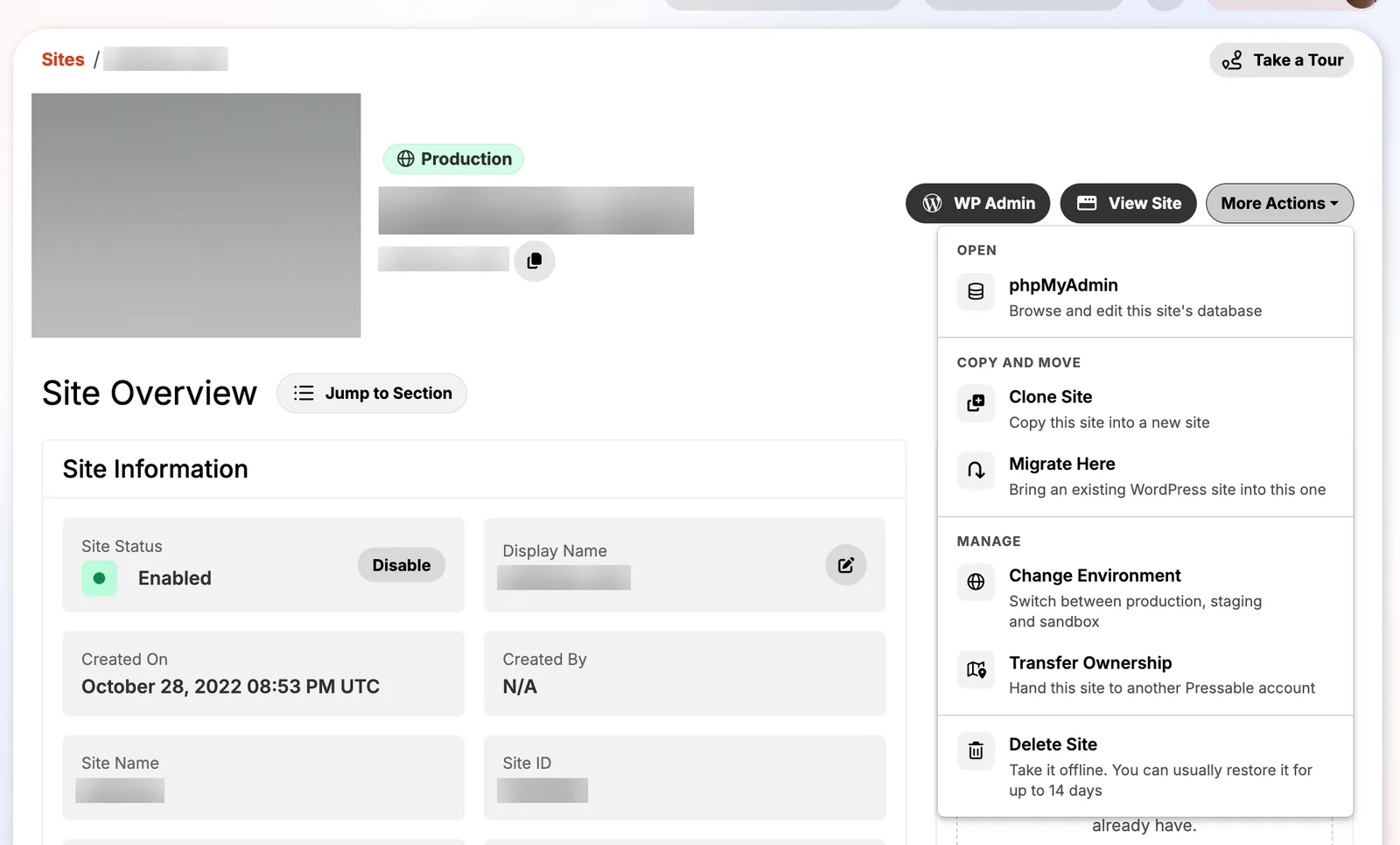
- Clone the live site to staging (More Actions → Clone Site).
- Update plugins, PHP or theme on staging and test.
- When it works, either repeat the change on production, or use Data Transfer to copy staging over production (this overwrites the target completely, so take a backup first).
- For WooCommerce, never copy a staging database over live orders; repeat the changes instead.
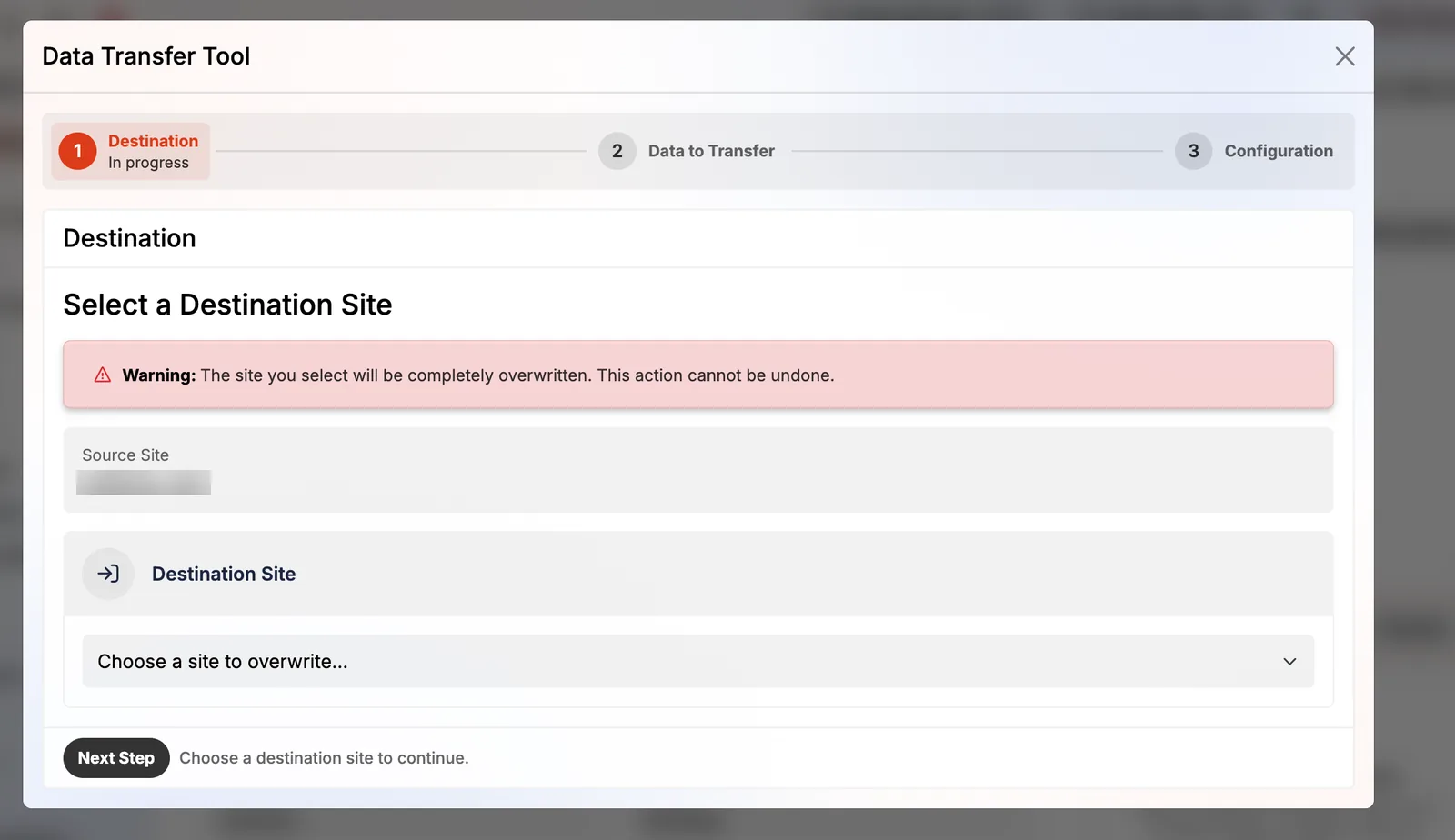
Change Environment
You can switch a site between production, staging and sandbox from More Actions. It's handy when a staging rebuild becomes the new live site: switch it to production, attach the domain, then switch the old site to staging as a fallback.
FAQ
Do Pressable staging sites count toward my plan?
No. Staging, sandbox and DupliKit sites have their own allowance; my 10-install plan shows 11 of each.
Can I use a custom domain on a sandbox?
No. Sandbox sites are private and domains can't be attached.
Keep reading
Pressable how-to guidesPressable with DDEV and GitHubPull a live Pressable site into DDEV with one command, push it back, and deploy themes and plugins from a GitH…Pressable how-to guidesRestore a site from Pressable backupsHow Pressable backups work (hourly database, daily files), how to restore files or the database, take on-deman…Pressable how-to guidesIs Pressable Plugin Schedules worth $3?What Pressable Plugin Schedules does (staging tests, performance checks, automatic rollback), what it costs, i…reviewPressable review: 9 years as a customerreviewPressable dashboard tour (57 screenshots)