// pressable how-to guides
Pressable backups: how to restore a site, download backups and undelete a site
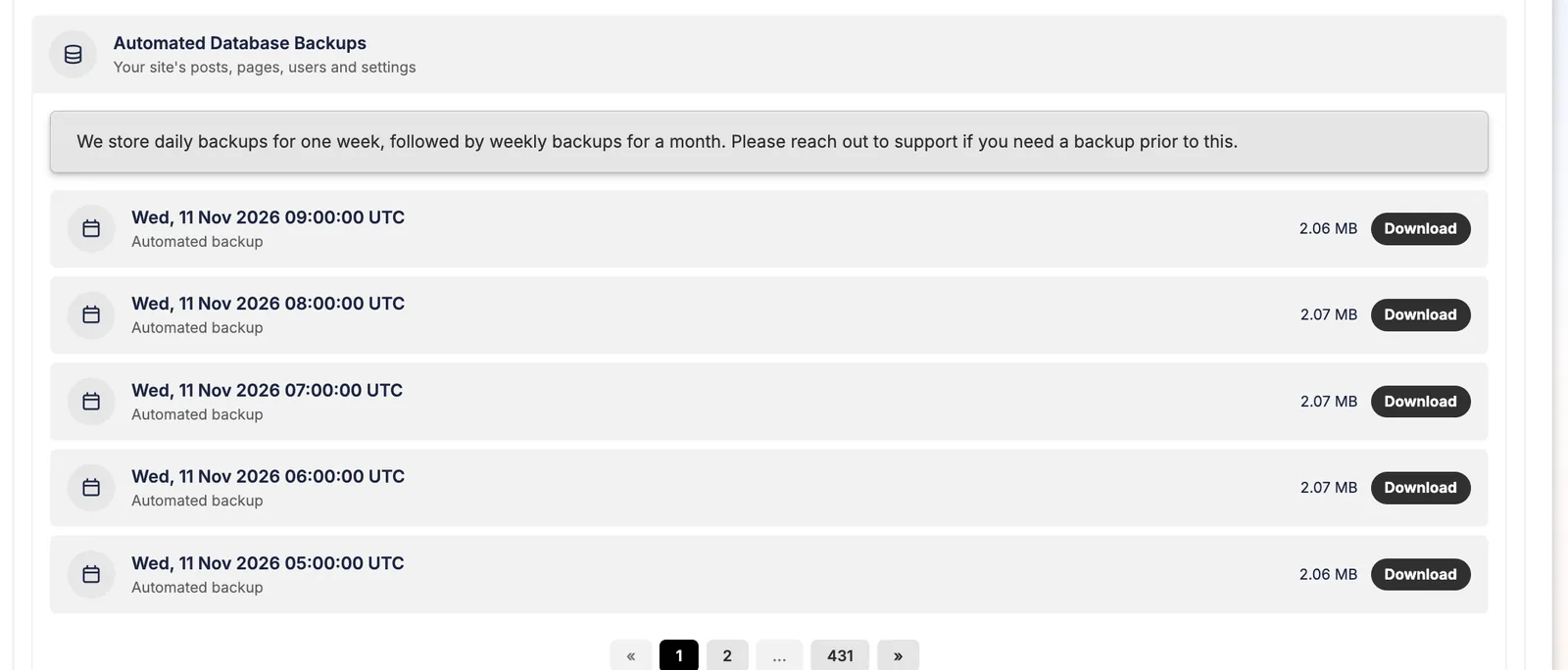
Pressable keeps more restore points than most hosts: a database backup every hour and a file backup every day. Here's how to use them, from my own account.
KEY TAKEAWAYS
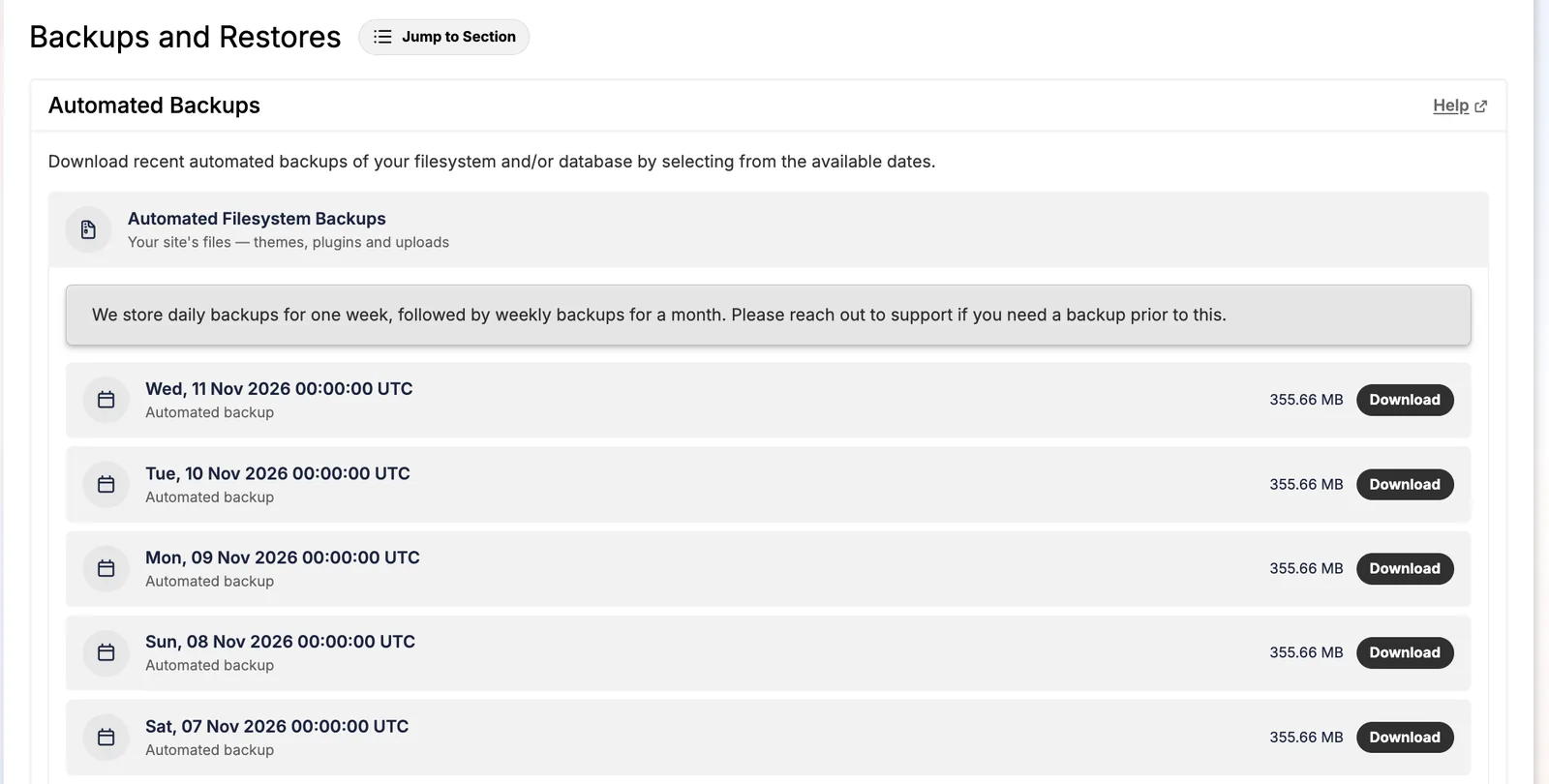
- Database: hourly automated backups. Files: daily, kept 1 week, then weekly for 1 month.
- You can restore files, database or both, and download any backup.
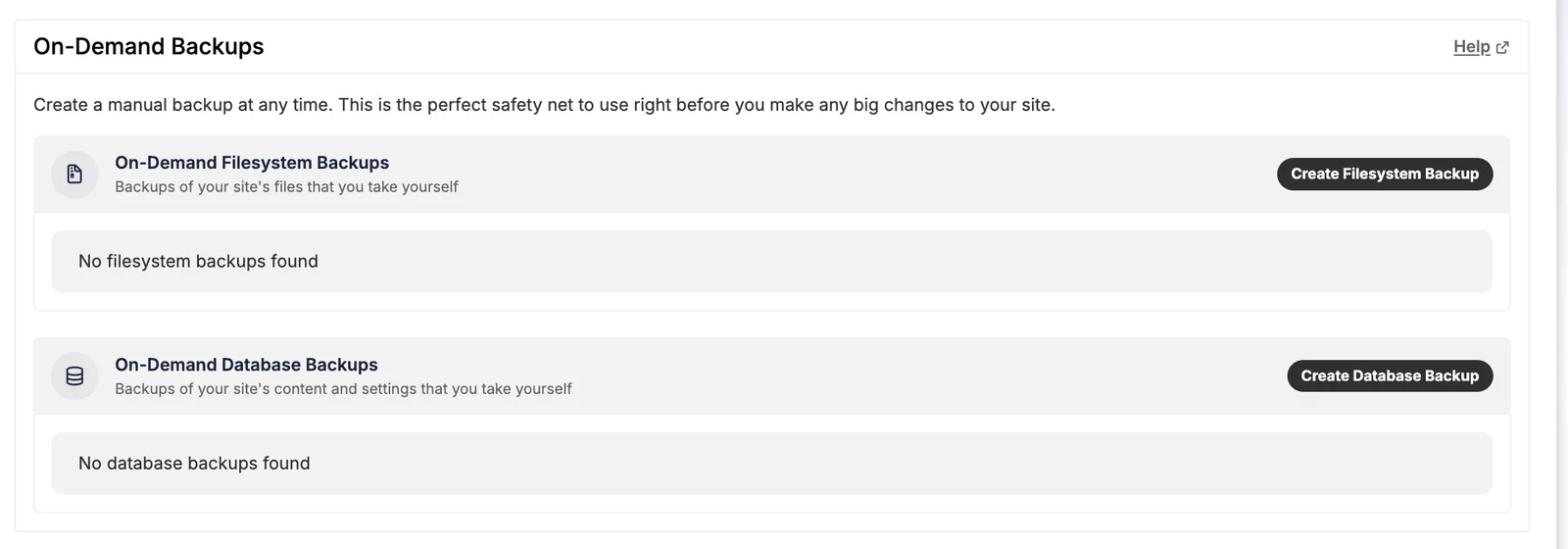
- Take an on-demand backup before risky changes.
- Deleted sites can be restored for 14 days, as a new site.
- Closing your account deletes all backups.
What Pressable backs up, and how often
| Backup | Frequency | Kept |
|---|---|---|
| Database | Every hour | Hundreds of restore points (431 pages on one of my sites) |
| Files (themes, plugins, uploads) | Daily | Daily for 1 week, weekly for 1 month |
| On-demand | Whenever you click | Files and database separately |
Why hourly database backups matter: on a store or busy blog, a daily backup can lose a day of orders or comments. See hourly vs daily backups.
Restoring a site
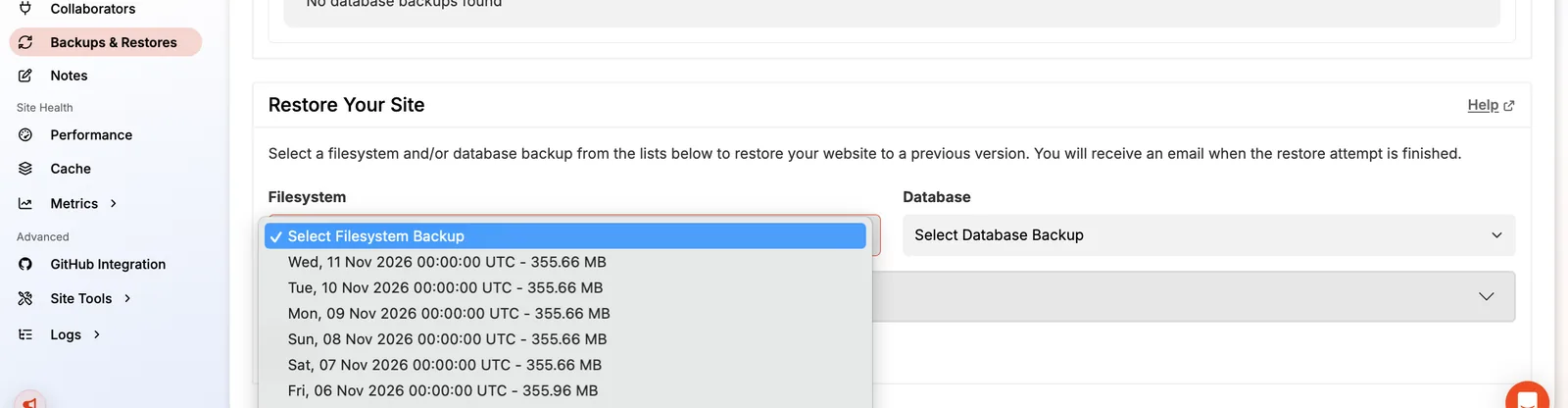
- Open the site's Backups & Restores page and scroll to Restore Your Site.
- Choose a filesystem backup, a database backup, or both. Restore only the database if a plugin broke your content but files are fine.
- Start the restore. Pressable emails you when it's done.
- Purge the cache (Cache → Edge Cache → Purge) and test.
On-demand backups and downloads
Before plugin updates, theme changes or a migration, click Create Filesystem Backup and Create Database Backup. Any automated or on-demand backup can be downloaded for your own records, and you should keep an off-site copy: Pressable's terms say it isn't liable for data loss.
Undelete a site (14 days)
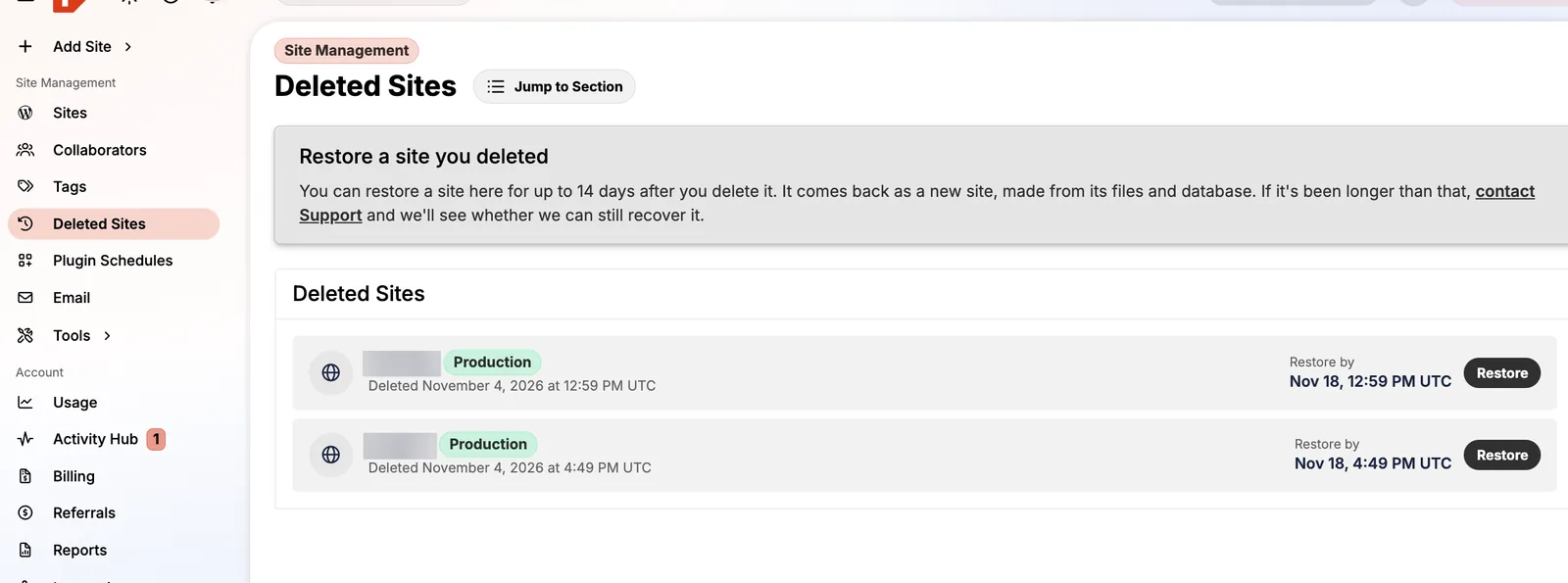
Deleted sites appear under Deleted Sites with a "Restore by" date 14 days out. Restoring brings the site back as a new site from its files and database. After 14 days, contact support; Pressable says it will check whether it can still recover it.
FAQ
How often does Pressable back up my site?
The database every hour and files every day.
Can I download Pressable backups?
Yes, both automated and on-demand backups have a Download button.
Are backups kept if I cancel?
No. Cancelling deletes sites and backups, so download them first.