// hosting explained
How to find out who hosts a website (3 methods, with and without a tool)
A website's host leaves public traces: the IP address of its server, who owns that IP block, and the server's own hostname. Here's how to read them, the fast way and the manual way.
KEY TAKEAWAYS
- Fastest: paste the domain into our hosting checker.
- By hand: get the IP (
nslookup example.com), find the IP owner, then check reverse DNS. - If the IP belongs to Cloudflare, Sucuri or another CDN, the real host is hidden; name servers and email records give clues.
- The domain registrar is not necessarily the host: WHOIS shows the registrar, not the server.
Method 1: use the checker (10 seconds)
Enter the domain below. The checker runs every step of the manual method at once and recognises the networks and headers of major hosts and platforms.
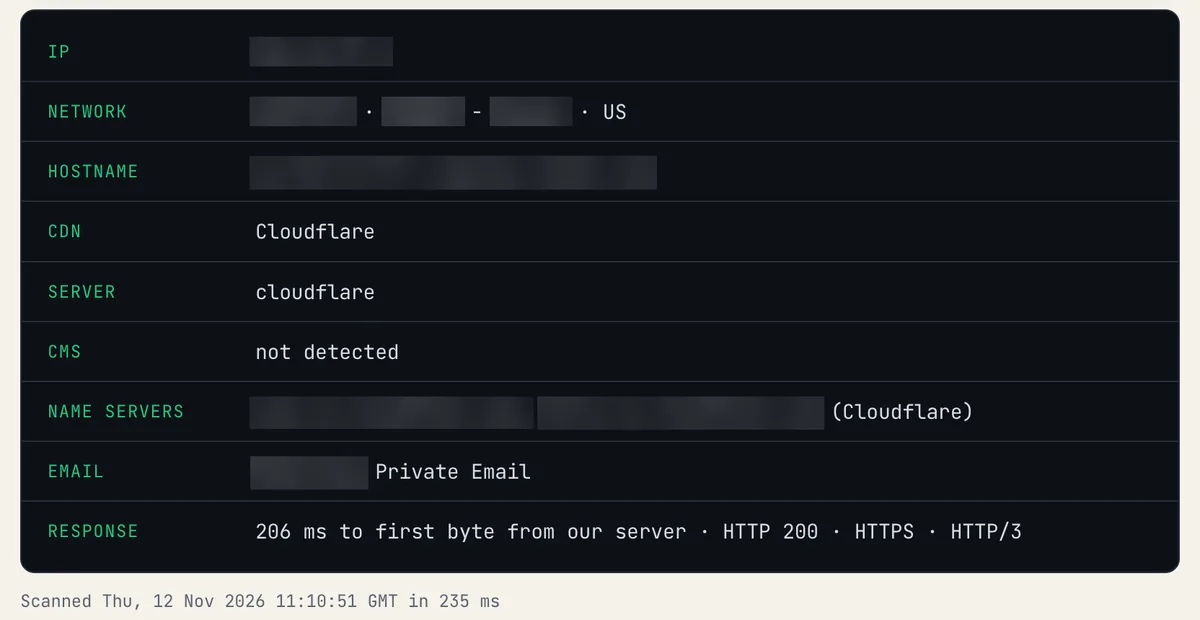
A real "who hosts this" result: network owner, server hostname, CDN, CMS, name servers and email provider, all on one screen.
Method 2: do it by hand
- Find the IP address. Run
nslookup example.comin a terminal, or use our DNS lookup and read the A record. - Find who owns the IP. Look the IP up in an IP WHOIS or ASN database. The organisation name (for example "Unified Layer" for Bluehost and HostGator, or "Amazon.com") is the network the server sits on.
- Check reverse DNS. Use the reverse DNS lookup on that IP. Hostnames like
gator4452.hostgator.comname the host directly. - Read the HTTP headers. Headers such as
x-kinsta-cache,x-vercel-idorserver: Squarespaceidentify managed platforms.
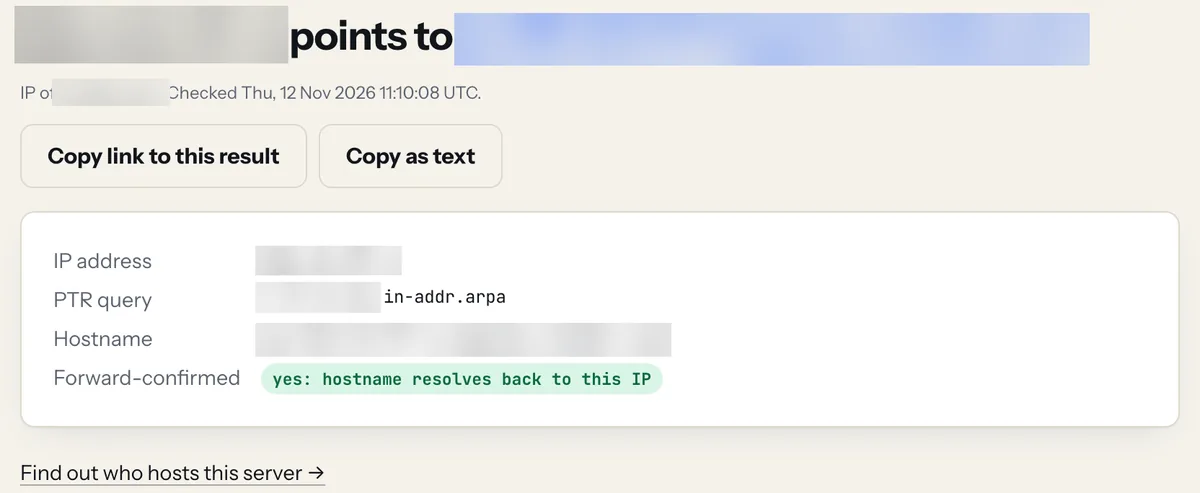
Reverse DNS turns the IP back into the server's own hostname. Hostnames like
server123.hostgator.com name the host outright.When the host is hidden behind a CDN
If the IP belongs to Cloudflare, Fastly, Akamai or Sucuri, the site is behind a proxy that hides its real server. No public tool can see the origin then. Clues that may remain:
- Name servers (in the DNS lookup): if they're the host's own, such as
ns1.bluehost.com, that's a strong hint. - MX records (MX lookup): cPanel hosts often handle email too.
- Other subdomains such as
mail.orcpanel.are sometimes not proxied and point straight at the server.
Registrar vs host: not the same thing
A WHOIS lookup shows where the domain is registered (GoDaddy, Namecheap). The website can live anywhere else. Your registrar, DNS provider, web host and email provider can be four different companies.
FAQ
Can I find out who hosts any website?
Usually yes, unless it's behind a CDN or firewall like Cloudflare, which hides the origin server. Then you can only see clues.
Is WHOIS the same as finding the host?
No. Domain WHOIS shows the registrar and registration dates. To find the host you need the IP address and its owner.